Build Your Career as a Professional Color Grading Editor
Color grading is more than just adjusting colors—it’s about shaping the mood, emotion, and visual identity of a film. As a color grading editor, you bring stories to life by enhancing tone, contrast, and cinematic consistency across every frame.
Selecting the Best Color Grading Tools
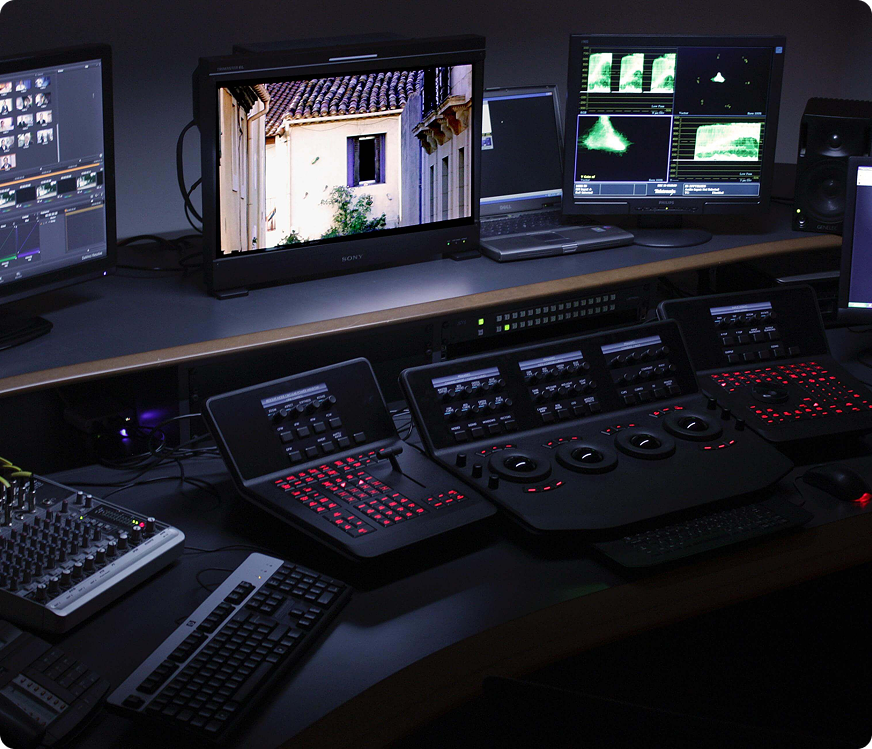
Choosing the right software is a critical step in your journey as a color grading editor. The right tools help you work faster, maintain accuracy, and deliver cinematic-quality results across different platforms and formats.
- Understand color theory and visual storytelling fundamentals.
- Learn professional grading workflows used in film and digital media.
- Work with industry-standard color grading software.
- Develop a consistent and recognizable visual style.
With practice, the right tools, and a strong creative vision, color grading can become a powerful skill that sets you apart in the post-production industry. Mastering this craft opens doors to film, advertising, and digital media projects worldwide.
Choosing the Right Computer Monitor
A reliable monitor is the foundation of any professional editing environment. It ensures accurate color reproduction, sharp details, and consistent brightness—all essential for creative and technical precision.
“Your monitor is not just a screen—it’s the window through which your creative vision comes to life. Investing in the right display elevates both quality and confidence.”
Modern monitors designed for creative professionals provide better calibration options and long-term reliability. A well-chosen screen minimizes eye strain and improves workflow efficiency during long editing sessions.
Creating an Ideal Viewing Environment
Beyond hardware, your surrounding environment also affects your editing accuracy. Proper lighting, screen positioning, and desk ergonomics help maintain focus and visual balance throughout the day. Avoid harsh reflections and ensure your workspace lighting complements your screen brightness for consistent results.
- Use neutral lighting to avoid color distortion.
- Maintain proper screen distance and height for comfort.
- Keep brightness and contrast levels balanced.
- Reduce background glare and distractions.
Conclusion
A thoughtfully designed workspace, combined with the right monitor, empowers you to work efficiently and confidently. By optimizing both your tools and environment, you create a foundation for producing professional-quality results consistently.